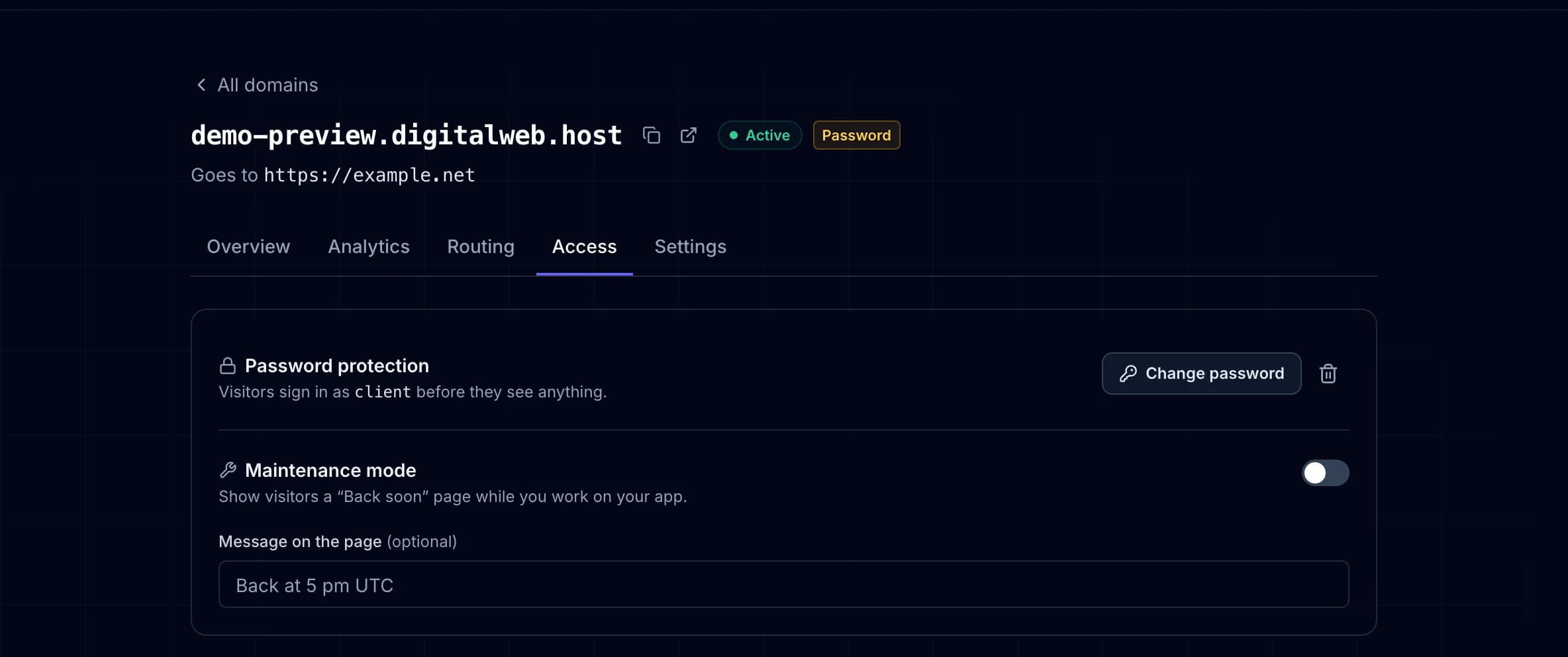
Lock a preview, or show a "back soon" page, without touching your code.
Turn on password protection for a domain and visitors’ browsers ask for a username and password before anything loads, on every path. The password is checked at DomainDock and removed before the request reaches your app.
Maintenance mode shows every visitor a clean "Back soon" page with your message. It answers with a 503 and Retry-After, so search engines treat the downtime as temporary.
Password protection and maintenance mode live on the Access tab.
What you get
A generated strong password, shown once, stored scrambled
Covers every path of the domain
Your app never receives the password
Per-visitor rate limits slow down password guessing
Maintenance page with your own message, 503 and Retry-After
Both ask you to confirm before visitors are affected
Good to know
One shared username and password per domain, not individual accounts
Ready to try it?
Free, no credit card. Your first domain takes about a minute, on a server or on your own laptop.